🗺️ Put Your Business on the Map: How to Register on Google and Get Found Locally
Intro:
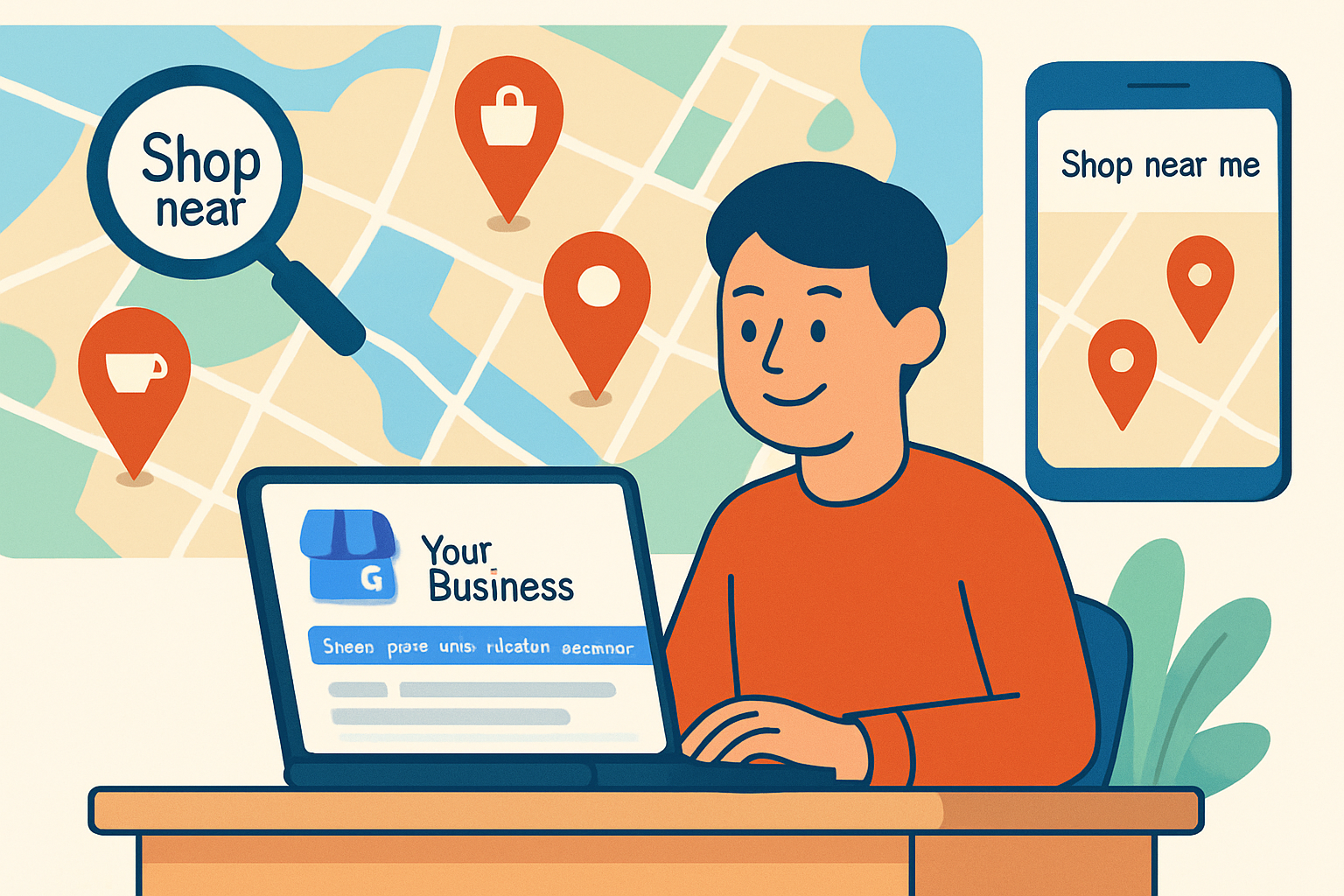
Imagine this: A potential customer is walking just two streets away from your shop, looking for exactly what you offer. They pull out their phone, type “best [your service] near me,” and... your business doesn’t show up. That’s a missed opportunity. Today, being visible on Google Search and Maps isn’t optional — it’s essential. Whether you’re a café owner, freelancer, or boutique founder, having a Google Business Profile ensures your name appears where it matters most: right in front of local customers.
Why Google Business Profile Matters
Think of your Google Business Profile (formerly Google My Business) as your online storefront. It shows:
- Your location on Google Maps
- Business hours
- Contact details
- Customer reviews
- Photos and service listings
This profile boosts trust and drives real foot traffic. Plus, it's completely free — all it takes is 10–15 minutes of setup.
Step-by-Step: How to Register Your Business on Google
1. Sign In to Your Google Account
Start by logging into your Google (Gmail) account. This will be the admin for managing your business listing.
➡️ Go to: https://www.google.com/business
2. Add Your Business Name & Category
Enter your business name. Be accurate — this is how people will search for you. Next, pick the right category (e.g., “bakery,” “graphic designer,” “digital marketing agency”) that matches your service.
3. Choose a Location
If you serve customers at a physical place (like a store or office), enter your address. This helps you show up in local “near me” searches. If you're service-based (like a home tutor or plumber), you can hide your address and instead define the areas you serve.
4. Add Contact Info
Input your phone number and website link (if you have one). These make it easier for people to reach you directly from Google Search.
5. Verify Your Business
This is the important part. Google will send you a postcard by mail with a verification code — usually within 5–7 days. Once you receive it, log back in and enter the code to confirm your listing.
In some cases, Google may allow phone, email, or instant verification, especially if you’ve already verified your website.
6. Optimize Your Profile for Better Reach
Once verified, don't stop there. A complete profile performs better. Here’s what to add:
✅ Business hours
✅ High-quality photos of your work/place
✅ Short business description
✅ Service list and pricing (if applicable)
✅ FAQs and common queries
✅ Posts and updates (like offers or news)
✅ Ask happy customers to leave reviews
These small efforts help Google rank your profile higher, especially for local intent searches.
7. Keep It Updated
Make sure your info is always fresh — especially if you change hours, move locations, or run promotions. Google rewards active, updated profiles.
Conclusion:
Your business might be amazing, but if people can't find it — it might as well be invisible. Setting up your Google Business Profile ensures your brand appears when and where people are looking. It’s a small task with a big impact — more traffic, more trust, and more sales. So today, take 15 minutes and put your business on the digital map — because you deserve to be seen.


No comments yet. Be the first to comment!