How to Make a Website Without Any Code and Make It Live

Have you ever wanted to launch your own website but got stuck on coding? Don’t worry — you’re not alone. The truth is, today you don’t need to write a single line of code to create a professional website. Thanks to AI website builders, you can design, customise, and publish your site in minutes. Whether it’s a gym website, a personal portfolio, or an online store, AI tools handle the hard part for you.
Let’s go step by step so you can create, customise, and publish your first site today.
Step 1: Pick the Right AI Website Builder
Many platforms can generate websites for you with just a prompt. Here are some popular AI-powered website builders you can try:
- Framer AI → Enter a prompt, get a full website design instantly.
- Wix ADI (Artificial Design Intelligence) → Drag, drop, and AI-suggest layouts.
- Durable AI → Generates websites for small businesses in seconds.
- 10Web AI Builder → WordPress + AI, perfect for blogging.
- LeiaPix AI → Quick landing pages.
- Mixo.io → Startup landing pages within seconds.
- V0.dev (by Vercel) → Developer-friendly, AI-powered site generator.
- Dorik AI → Great for landing pages and personal projects.
Pro Tip: If you’re building a gym website, pick Framer AI, Wix, or Durable AI. They have fitness-ready templates.
Step 2: Write a Powerful Prompt
AI only builds what you ask for — so your prompt matters. Be clear and descriptive.
Example Prompt for a Gym Website:
**“Generate a responsive gym website using HTML, CSS, and JavaScript. The site should include:
- A hero section with a background gym image, bold headline, subheadline, and CTA button.
- A ‘Why Choose Us’ section with 3–4 benefit cards and icons.
- A stats counter section showing Happy Members, Expert Trainers, and Years of Experience (animated count-up).
- A program section with cards for Weight Training, Yoga, HIIT, CrossFit, and Zumba.
- A pricing section with Basic, Standard, and Premium plans.
- A trainer section with profile photos, names, and specialities.
- A testimonial slider with real member reviews.
- A contact form (Name, Email, Phone, Message) and responsive footer with location, quick links, and social icons.
Use a modern, bold design with black, red, and white theme colours.”**
Within seconds, you’ll get a professional layout ready to edit.
Step 3: Customise the Design
Most AI website builders let you tweak things:
- Change text & headlines → Make them match your brand.
- Upload your own images → For gyms, use real trainers and members instead of stock photos.
- Edit colours → Stick to 2–3 main colours for a clean look.
- Add CTA buttons → Example: “Start Free Trial,” “Book a Session.”
Step 4: Export Code (Optional)
Some platforms like Framer AI and V0.dev let you copy the HTML, CSS, and JavaScript code of your generated site. This is useful if you want full control or to host it on your own server.
Step 5: Buy Domain & Hosting
To make your website live, you need:
- Domain → Your web address (example: myfitnessclub.com).
- Hosting → Where your site files live.
Affordable option: Hostinger. They offer both domain + hosting in one.
Steps:
- Go to Hostinger.
- Buy a domain (e.g., fitlifehub.com).
- Choose a hosting plan (shared hosting or WordPress hosting).
- Connect your domain to the hosting.
Step 6: Upload Your Website
If you used a no-code AI platform like Wix or Durable → publishing is 1 click.
If you exported HTML/CSS/JS →
- Open Hostinger hPanel.
- Go to File Manager.
- Upload your website files (index.html, style.css, script.js) to the public_html folder.
- Hit publish.
Now your gym website is live for the world 🌍.
Conclusion
Building a website is no longer scary or code-heavy. With tools like Framer AI, Wix, Durable, Dorik, and V0, you can generate a professional site in minutes. Just write a good prompt, customise it, and publish with a hosting provider like Hostinger.
Start small — even a simple gym or personal site — and you’ll realise how easy it is. Once your first site goes live, you’ll never fear “web design” again.
Take action today: Pick a tool, write your first prompt, and hit publish. Your future website visitors are waiting!
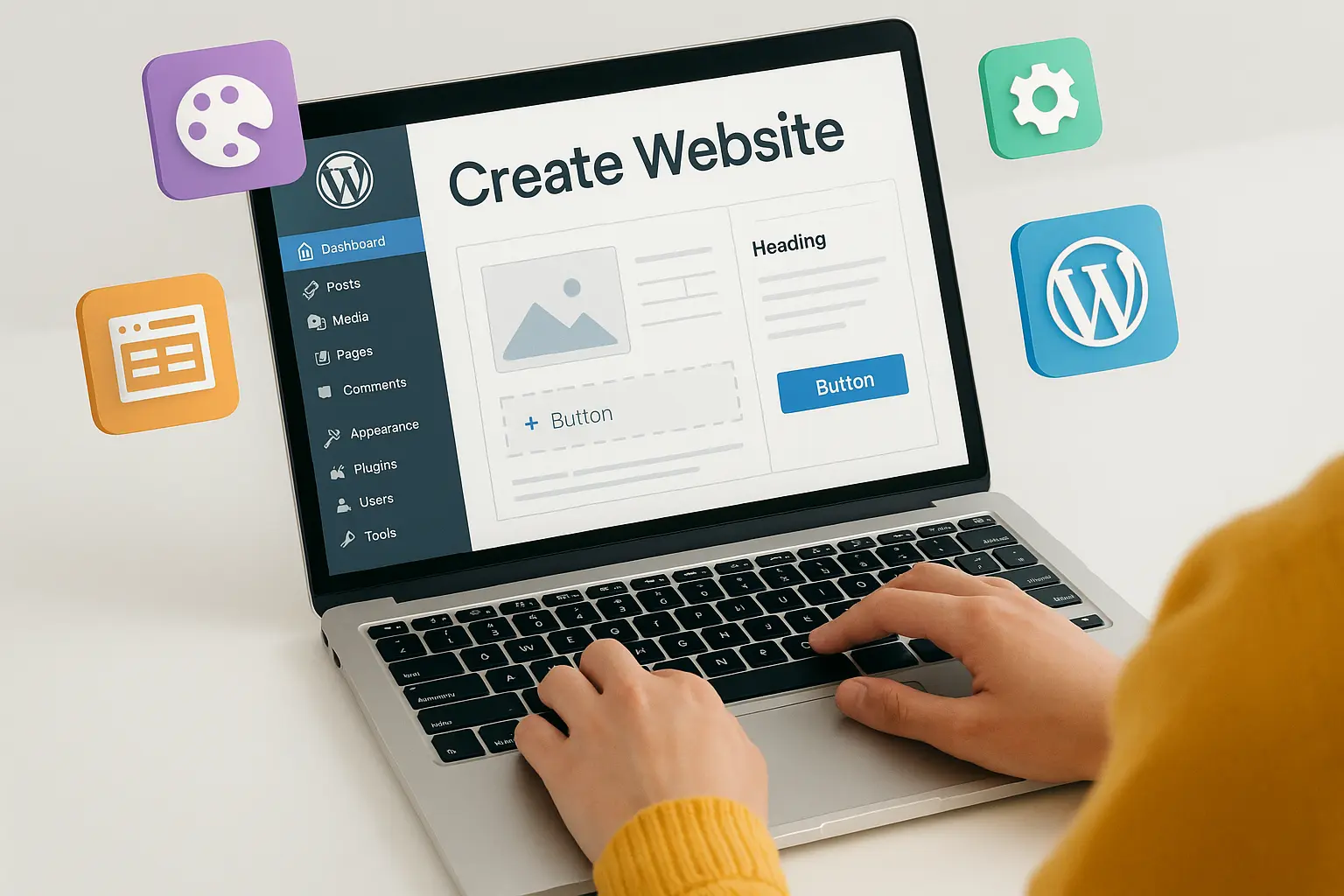
Bonus Tip: You don’t always have to stick with AI website builders. If you want more control and plugins, you can also create your site using WordPress — the world’s most popular website platform. With WordPress, you’ll get:
- Thousands of free & premium themes
- Plugins for SEO, payments, and forms
- Full customisation without coding
And the best part? Hosting providers like Hostinger and Bluehost let you install WordPress in one click.
So whether you go AI-first or WordPress, the goal is the same → get your website live quickly and start growing.






No comments yet. Be the first to comment!