WordPress Simple: How to Build a Professional Website Without Coding
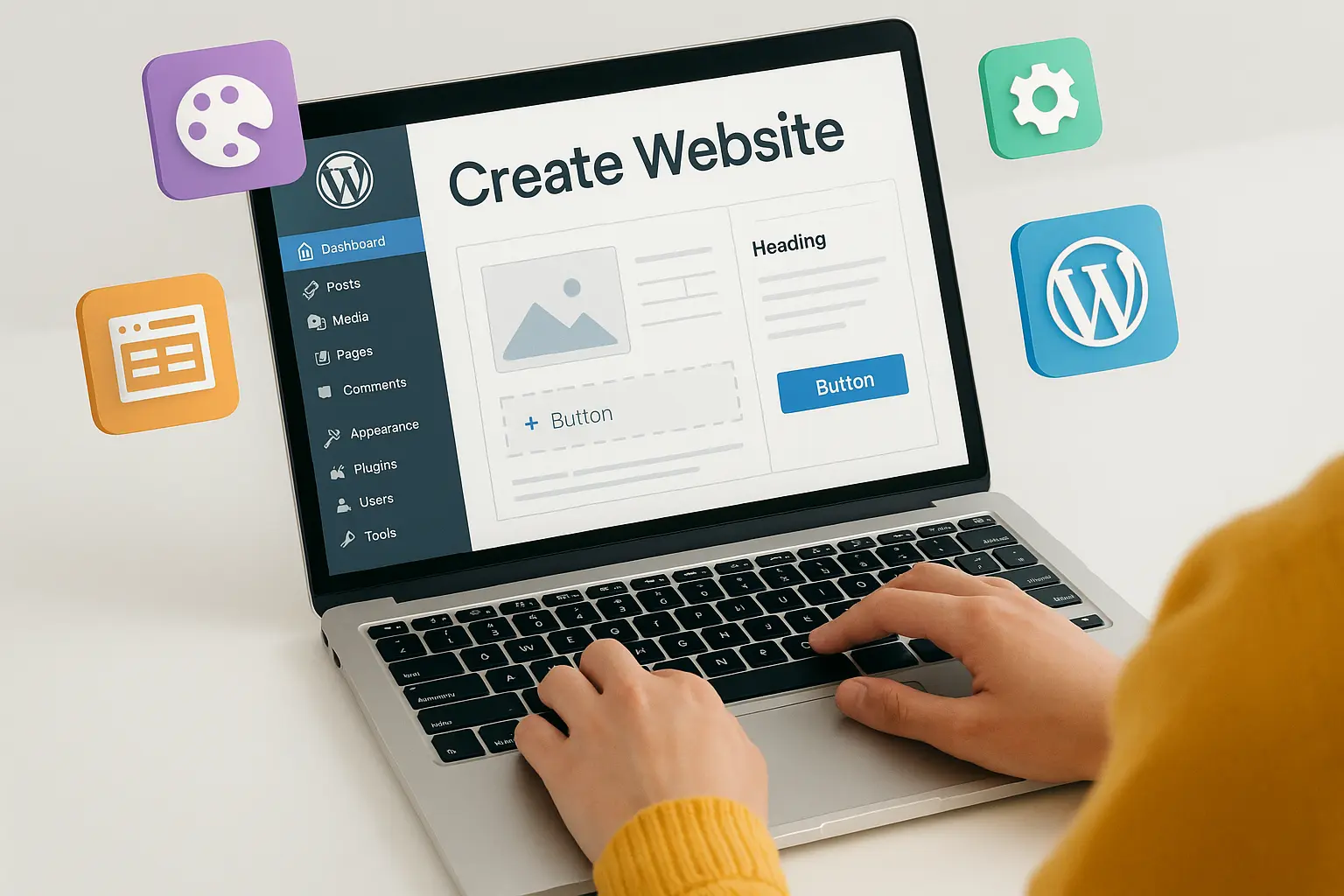
Have you ever thought, “I want a website, but I don’t know coding”? Good news — you don’t need to. With WordPress, anyone can create a professional website, blog, or online store without writing a single line of code. It’s beginner-friendly, flexible, and powers over 40% of all websites in the world.
In this step-by-step guide, I’ll show you how to build your own WordPress website, even if you’ve never touched web design before.
Step 1: Choose Domain & Hosting
Before anything else, you need two basics:
- Domain name → Your website address (example: fitlifehub.com).
- Hosting → The online space where your website files live.
Best beginner-friendly options:
- Hostinger → Affordable + 1-click WordPress install.
- Bluehost → Officially recommended by WordPress.
Action Tip: Always pick a short, simple domain that matches your brand. Example: yourname.com or fitzonegym.com.
Install WordPress in One Click
With Hostinger or Bluehost, you’ll see a button that says “Install WordPress.” Click it — done.
Now you’ll get:
- A WordPress dashboard (your control panel).
- Default theme installed.
- A login link: yourdomain.com/wp-admin
3: Pick a Professional Theme
A theme controls how your site looks. You don’t need to code — just pick a ready-made design.
Great beginner-friendly themes:
- Astra → Fast, flexible, multipurpose.
- OceanWP → Great for businesses.
- Neve → Lightweight & mobile-friendly.
- GeneratePress → Super fast loading.
Go to: Dashboard → Appearance → Themes → Add New → Search & Install.
Action Tip: Choose a theme that matches your website type (business, blog, portfolio, gym, e-commerce).
Step 4: Customise with Elementor or Gutenberg
WordPress gives you two easy ways to edit:
- Gutenberg (Block Editor) → Drag-and-drop blocks like text, images, buttons.
- Elementor (Free Plugin) → A visual page builder with more design freedom.
Example: Want a hero section with a big button? Drag the Heading block, add text, then drag a Button block with “Start Now.” No code needed.
Step 5: Add Essential Plugins
Plugins = apps for your website. Here are must-haves:
- Yoast SEO → Helps you rank on Google.
- WPForms → Drag-and-drop contact forms.
- Elementor → For easy page design.
- WooCommerce → If you want an online store.
- LiteSpeed Cache → Speed up your site.
Go to Dashboard → Plugins → Add New → Search & Install.
6: Create Core Pages
Your website should have at least these pages:
- Home Page → First impression (hero, about, services, CTA).
- About Page → Who you are, why people should trust you.
- Services/Products Page → What you offer.
- Contact Page → Simple form + email + social links.
- Blog Page (optional) → Share updates or articles.
Action Tip: Start with 1 page at a time. Don’t overcomplicate it.
Step 7: Go Live
When you’re done customizing → hit Publish. Your WordPress site is now live for the world.
And remember — you can edit, add, and improve anytime. Unlike hard-coded sites, WordPress grows with you.
Conclusion
Building a website with WordPress is easier than most people think. You don’t need coding, just the right steps: buy hosting, install WordPress, pick a theme, customise with Elementor, and add plugins. In just a few hours, you can go from idea to → live professional website.
Don’t wait for “someday.” Start building today — your website can be live before tonight.





No comments yet. Be the first to comment!